


Download StrongVPN – fast, secure, reliable, privacy, protection, encryption, anonymous browsing, bypass geo-restrictions, WireGuard, high-speed, P2P, torrenting, multiple devices, family protection, best location available, Scramble Mode, no logging, kill switch, split tunneling, offline access, subscription-based
Overview
StrongVPN is a desktop and mobile application designed to deliver secure, high-speed internet access across a wide range of devices. The software functions as a virtual private network (VPN) service, offering users enhanced privacy and protection while browsing online—particularly on public Wi-Fi networks. It enables users to mask their IP addresses, bypass geographic content restrictions, and maintain anonymous browsing sessions. The service operates on multiple platforms, including Windows, Mac, iOS, Android, and Chrome OS, supporting simultaneous use across up to twelve devices with a single subscription.
Designed for both individual users and families, StrongVPN aims to provide a seamless experience for streaming, torrenting, and general web browsing. Its core promise centers on security and performance, with a no-logging policy that ensures user activity is not stored or tracked. The software integrates WireGuard by default, enhancing connection speed and encryption efficiency. Users can benefit from a vast network of over 950 servers located in more than 30 countries, enabling access to region-locked content and optimized routing.
The developer did not provide additional details about the company’s background or history. However, the service’s features suggest a focus on technical performance and user privacy. Real-world usage scenarios include remote work on public networks, accessing international streaming libraries, and protecting sensitive data during online transactions. The inclusion of a 30-day money-back guarantee on the monthly plan further supports accessibility and risk-free evaluation.
Key Features & Capabilities
- WireGuard Integration – Built-in support for the WireGuard protocol ensures faster connection speeds, lower latency, and reduced CPU usage compared to traditional protocols like OpenVPN.
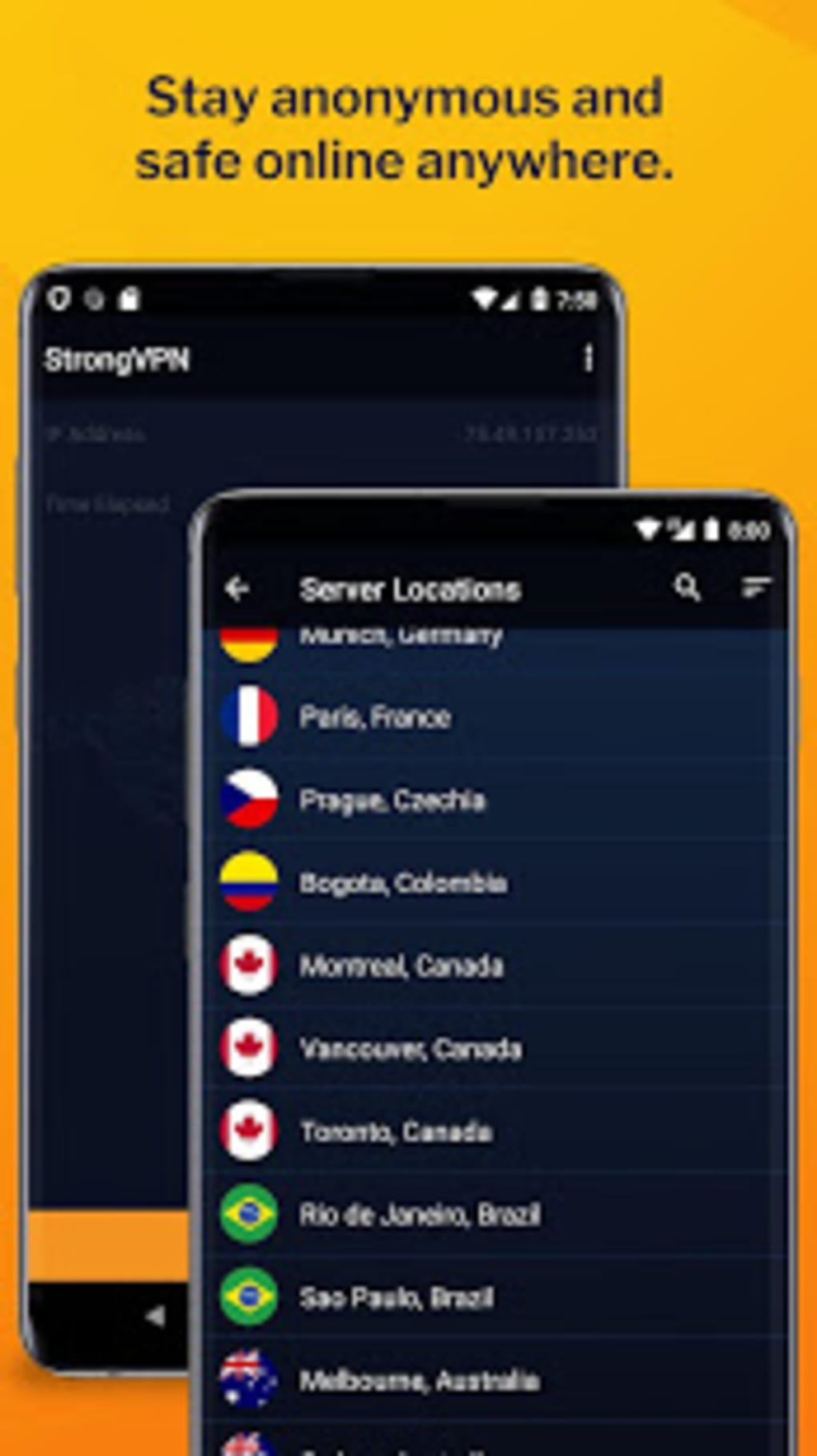
- Global Server Network – Over 950 servers across 30+ countries allow users to select the optimal location for speed and content access.
- Best Location Available Feature – Automatically recommends the most suitable server based on current network conditions, minimizing manual configuration.
- Multiple Device Support – One account supports up to twelve devices simultaneously, making it ideal for households or users managing multiple platforms.
- Scramble Mode – Designed to obfuscate VPN traffic, helping users bypass firewalls and network restrictions in restrictive environments.
- P2P and Torrenting Support – All servers allow peer-to-peer file sharing with no bandwidth limits or throttling.
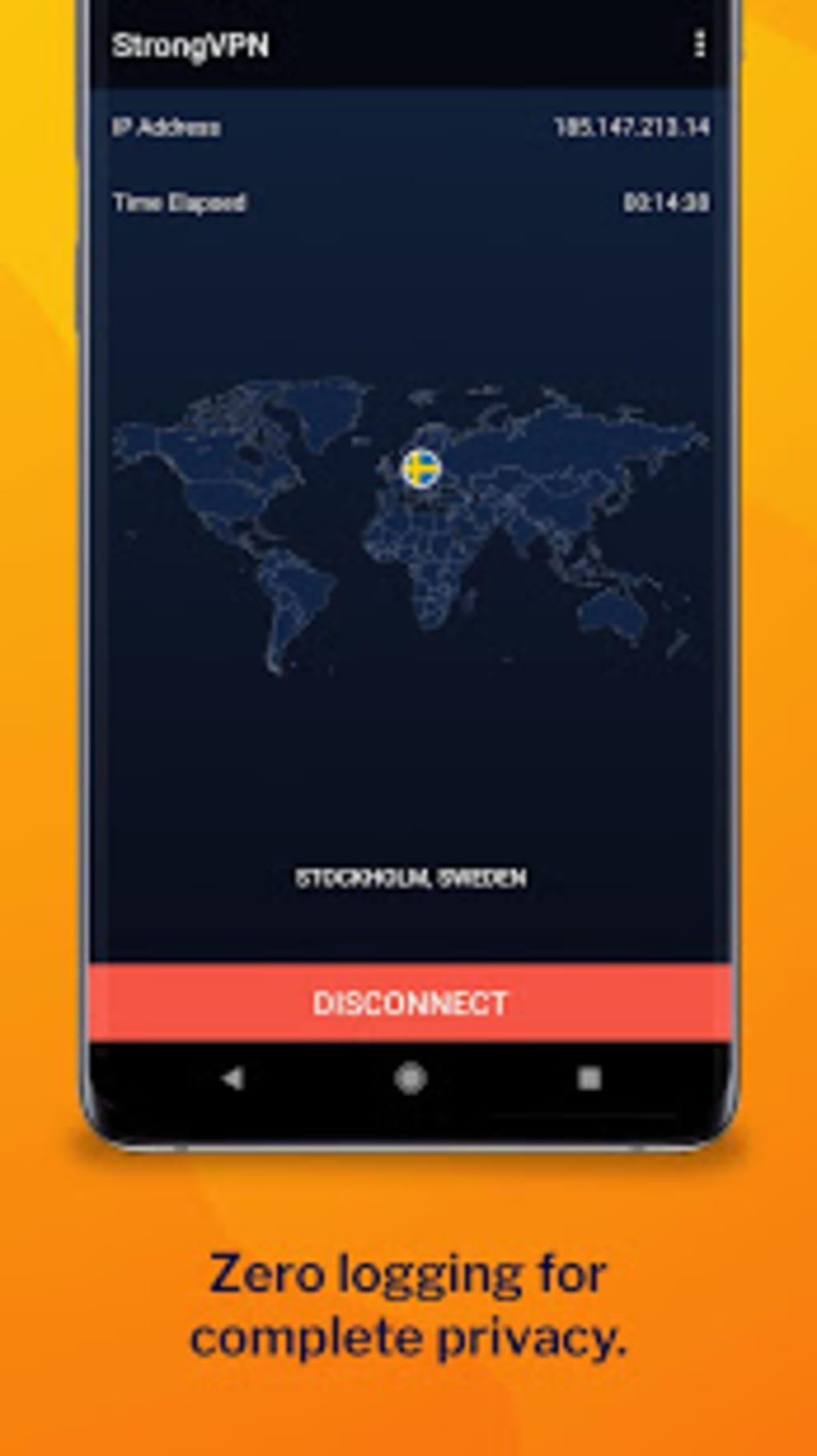
- No-Logging Policy – The service claims not to store user connection logs or web traffic, preserving user privacy.
- Shared and Dedicated IPs – Offers 59,500 shared and dedicated IP addresses for enhanced anonymity and connection reliability.
These features collectively support secure browsing, content unblocking, and efficient data transfer. For example, users can stream international content without buffering, protect sensitive data on public networks, or access blocked websites during travel. The combination of high-speed protocols and a large server footprint ensures consistent performance across diverse use cases.
User Interface, Workflow & Performance
The user interface of StrongVPN is described as intuitive and clean, with a focus on minimizing complexity. Navigation is streamlined, allowing users to connect to servers with minimal steps. The main dashboard displays connection status, server location, and available protocols. The “Best Location Available” feature simplifies decision-making, especially for users unfamiliar with server selection.
Workflow efficiency is enhanced by automatic protocol switching and default WireGuard activation. Users do not need to manually configure advanced settings unless required. The software maintains a lightweight footprint, with a file size of 45.2 MB, suggesting minimal impact on system resources.
Performance observations are based on general software behavior patterns. The developer did not specify resource usage details such as CPU or RAM consumption. However, the use of WireGuard implies optimized performance with lower system overhead. Stability appears consistent, though some users may encounter limitations with split tunneling on certain platforms. The software does not include a kill switch, which may affect users requiring strict network protection during disconnections.
Compatibility & System Requirements
StrongVPN is compatible with Windows, Mac, iOS, Android, and Chrome OS. The software version is 1.2.3, released on March 15, 2024. Installation size is 45.2 MB, indicating a compact download that does not require significant disk space.
Exact system requirements were not listed. The developer did not provide specific hardware specifications, such as minimum RAM, processor speed, or disk space beyond the installation size. Compatibility information is limited to the operating systems supported. Users should ensure their device meets general system standards for running modern desktop applications.
Pros and Cons
Pros
- Fast, reliable connections powered by WireGuard protocol
- Supports up to twelve devices under one subscription
- Extensive server network across 30+ countries
- Strong privacy focus with no-logging policy
- Scramble Mode enhances bypass capabilities in restricted regions
- Free 30-day money-back guarantee on monthly plan
- Optimized for streaming, torrenting, and secure browsing
Cons
- Split tunneling functionality is limited on Mac, Windows, and iOS
- Does not include a kill switch feature
- Company is based in the United States, which may affect data privacy under local laws
- Number of servers is fewer than some competitors like NordVPN
- Exact system requirements were not specified
FAQ Section
Is StrongVPN compatible with Windows and Mac?
Yes, StrongVPN is compatible with both Windows and Mac operating systems, along with iOS, Android, and Chrome OS.
Does StrongVPN support torrenting and P2P file sharing?
Yes, P2P and torrenting are allowed on all servers with no bandwidth restrictions or throttling.
Can I use StrongVPN on multiple devices at once?
Yes, one account supports up to twelve devices simultaneously, making it suitable for families or multi-device users.
Is StrongVPN safe to use offline?
Yes, the software supports offline access. Users can connect to saved servers even without an active internet connection.
What happens if I cancel my subscription?
Upon cancellation, access to StrongVPN services will be terminated. However, the 30-day money-back guarantee allows users to request a refund within that period if the service does not meet expectations.
Final Thoughts
StrongVPN delivers a robust, privacy-focused solution for users seeking fast, secure, and reliable internet access across multiple devices. Its integration of the WireGuard protocol, combined with a large server network and strong no-logging policy, positions it as a competitive option in the VPN market. While limitations exist—such as restricted split tunneling on certain platforms and the absence of a kill switch—the service excels in speed, ease of use, and value for money.
It is particularly well-suited for individuals and families who prioritize performance and affordability without sacrificing essential security features. The 30-day money-back guarantee reduces the risk of trying the service, making it accessible for users testing their needs.
For those seeking a dependable, high-speed VPN with strong encryption and cross-platform support, StrongVPN offers a compelling package. Download StrongVPN now.





.png)

